
Duolingo: Language Lessons review
 Analysis by GetAllApps
I find Duolingo easiest to judge as a habit-building language app rather than a complete language course. Its short activities make it simple to fit a little practice into a spare moment, and the cheerful presentation can make returning feel less like homework. That combination is useful if you want a low-friction start or a regular refresher. It is less convincing as your only tool if you need detailed grammar teaching, extended conversation practice, or a structured route to professional fluency.
What you get without paying
Duolingo is a free education app from Duolingo, available to learners of all ages. The app has been around since May 29, 2013, and its scale is considerable: it has over 500 million installs and a 4.7 average from around 51 million ratings. Those figures tell me it has broad appeal, but they do not answer the more useful question: whether its approach suits the way you want to learn.
You can begin without paying, while in-app purchases range from $0.99 to $239.99 per item. That is the useful distinction to keep in mind: the app offers free access, but optional purchases exist at very different price points. I would not assume that a particular purchase is necessary or worthwhile without checking its current description and terms in the app store. If you are trying it for the first time, starting free is a sensible way to see whether the lesson style works for you.
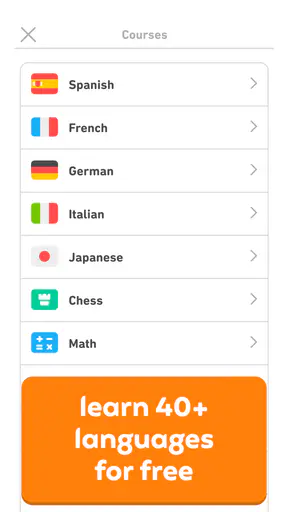
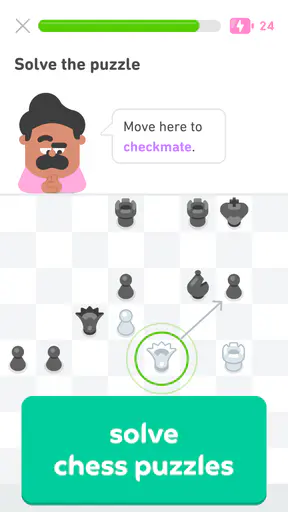
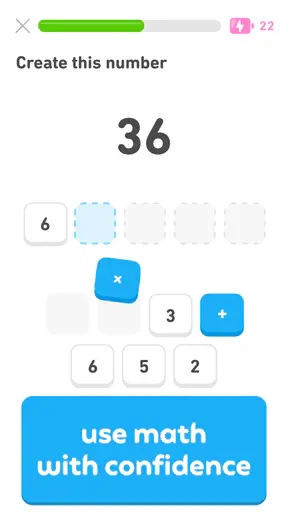
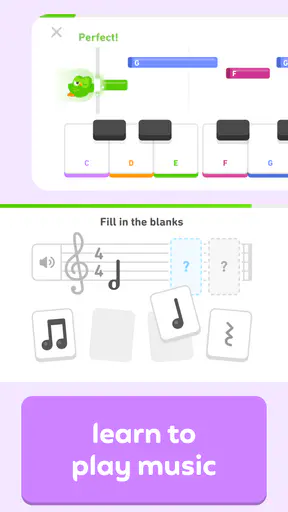
The broad appeal is not limited to language study. Duolingo also includes chess, math, and music learning, so the app can serve someone who wants a few kinds of bite-sized practice in one place. Still, I would treat those as separate learning interests rather than assume that one activity automatically improves another. The central reason most people will open it is to work on a language.
Small lessons, useful routines
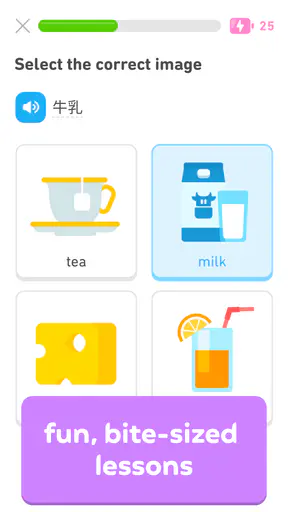
The clearest value is convenience. A compact lesson can be easier to begin than opening a textbook, finding your place, and deciding what to study next. I like this for routine-building: if I have a few minutes while waiting for a bus or taking a break, I can use that time to revisit words and sentence patterns instead of promising myself a long study session that may never happen.
A realistic routine is to do a short practice session after breakfast, then return to a few difficult items later in the day. The benefit is not that a tiny session makes you fluent; it is that repeated contact can keep a language familiar between longer study sessions. For a beginner who feels intimidated by a traditional course, that approachable first step can matter more than a theoretically perfect curriculum they do not stick with.
The app’s range also makes it easier to explore a new subject without committing to a separate course immediately. The store describes language choices including Spanish, French, and English, alongside chess, math, and music. I would still choose one main learning goal at first. Splitting attention between several courses can feel entertaining, but it may leave you with less sustained practice in the language you actually want to use.
Where the learning feels strongest
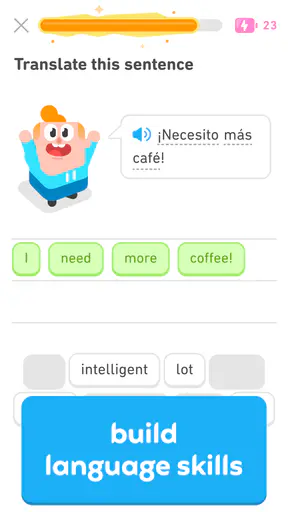
Duolingo works best when I use it for repeated exposure and basic practice, not as a substitute for every part of learning. Short exercises can help you recognize familiar vocabulary, notice recurring sentence patterns, and keep returning to a language on ordinary days. That makes it particularly handy for beginners, casual learners, and people who have studied before but want to rebuild a routine.
One practical tip is to slow down when an exercise seems obvious. Rather than tapping the first answer that looks right, pause to notice the word order or the small change that distinguishes two similar choices. That turns a quick quiz into a more deliberate learning moment. I would also say any answer aloud when possible. Silent recognition and speaking comfortably are different skills, and a screen-based exercise cannot do all the work of real conversation.
Another useful approach is to treat mistakes as a study guide. If you repeatedly confuse a phrase or form, make a note of it and look for an explanation elsewhere, then return to the app to practice recognizing it in context. This is more effective than simply racing through a lesson to maintain momentum. Duolingo can provide frequent prompts; the learner still has to decide when a prompt exposes a real gap.
Tradeoffs compared with other ways to learn
Compared with a textbook or a course built around longer explanations, Duolingo is easier to dip into but may leave you wanting more depth. If you are unsure why a construction works, a series of short exercises may not be enough to make the underlying rule clear. In that situation, a grammar reference, teacher, or carefully structured course can explain the pattern more directly. I see those tools as useful companions, not proof that the app has no value.
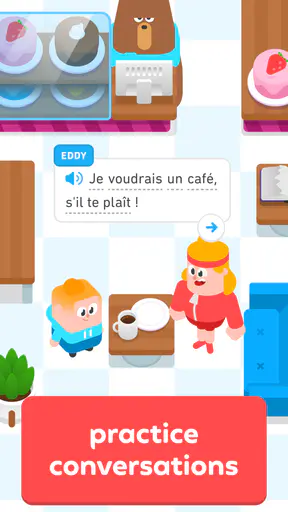
It also differs from conversation lessons and language exchanges. Those give you the pressure and unpredictability of responding to another person; short app activities are more controlled. If your goal is to order food, take part in meetings, or follow fast conversation, you will need actual listening and speaking practice as well. A good practical pairing is to use Duolingo for regular vocabulary contact and set aside separate time to listen to native material or speak with someone. The app can help you show up, but it cannot stand in for every real-world interaction.
There is a tradeoff in the playful format, too. A friendly interface can make practice less intimidating, but it can also encourage you to focus on completing tasks rather than understanding them. When you catch yourself tapping quickly just to get through a session, pause and review the item that caused hesitation. If that style consistently feels distracting rather than motivating, a workbook or lesson format with fewer prompts may fit you better.
Duolingo is free to start, but the existence of paid items means it is worth being intentional about purchases. I would first use the free access long enough to learn whether I actually return to the app and whether its exercises meet my needs. Only then would I consider paying for an option whose stated benefits solve a problem I have. The presence of a purchase is not, on its own, evidence that it will improve your results.
Who is likely to get the most from it
I would recommend trying it if you are new to a language, want a dependable daily prompt, or prefer learning in short bursts. It can also suit someone who has taken classes before and wants to keep familiar words active during a busy stretch. The Everyone age rating makes it broadly accessible, though a parent should still decide whether the app’s learning style and any optional purchases are appropriate for a child.
If you are preparing for a specific exam, need specialist vocabulary for work, or already have a strong foundation and want nuanced discussion, I would not make this your sole resource. A course designed around your target, a tutor, or materials for your field will likely be more direct. Likewise, if you learn best from long explanations and careful written exercises, the short-session format may feel thin rather than efficient.
For a busy learner, the best use is modest and consistent: choose one language, make a small practice slot part of an existing routine, and use outside material to cover what the app does not. For a traveler, it can be a useful way to refresh common words before a trip, but I would not rely on it alone for spontaneous conversation. For a parent, it may provide an approachable way to introduce language practice, while adult guidance can help turn recognition exercises into spoken use.
My verdict on whether to try it
Duolingo is worth trying for free if you want an approachable way to start or maintain a learning habit. Its strongest value is reducing the effort it takes to begin practice; its main limitation is that regular app exercises are not the same as deep instruction or conversation. I would use it as one part of a learning routine, then add listening, speaking, or grammar resources according to my goal.
The app’s large audience and strong average rating suggest that many people find the format appealing, but your own response matters more. Give it a fair try without assuming that a streak or a completed lesson equals mastery. If the format helps you return, keep it in your routine. If you need richer explanations or real interaction and find yourself outgrowing the exercises, move to a tool that provides those things rather than expecting one app to cover everything.
In short, I would recommend it to a friend who wants an easy entry point, a gentle nudge to practice, or a way to keep a language from going cold. I would advise a friend with a demanding fluency or exam goal to pair it with more focused instruction from the beginning. That is where its free access is most attractive: you can test whether its rhythm suits you before deciding whether any optional purchase makes sense.
Pros and cons
Pros
- Short lessons make it easy to practice during a spare moment.
- A wide range of languages is available for learners.
- Speech exercises offer a chance to practice pronunciation.
- Review activities help reinforce previously studied material.
- Progress tracking can encourage regular study.
Cons
- Some lessons require an internet connection.
- The free version includes frequent advertisements.
- Speaking exercises may not work well in noisy places.
- Course depth varies considerably between languages.
- The app alone may not build conversational fluency.


